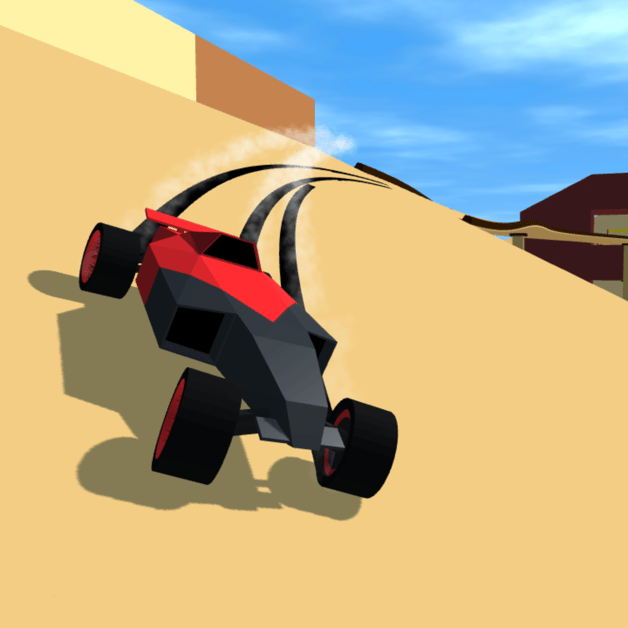
Polytrack Track Editor Guide: Building Loops, Jumps & Exporting Codes
Complete guide to the Polytrack in-game Track Editor: placing road modules, banked turns, loops, checkpoint grids, and exporting codes.
よくある質問
How do you rotate editor pieces in Polytrack?
How many checkpoints should a track have?
Track Builder Interface and Workflow
Building custom tracks in Polytrack is fast, modular, and creative:
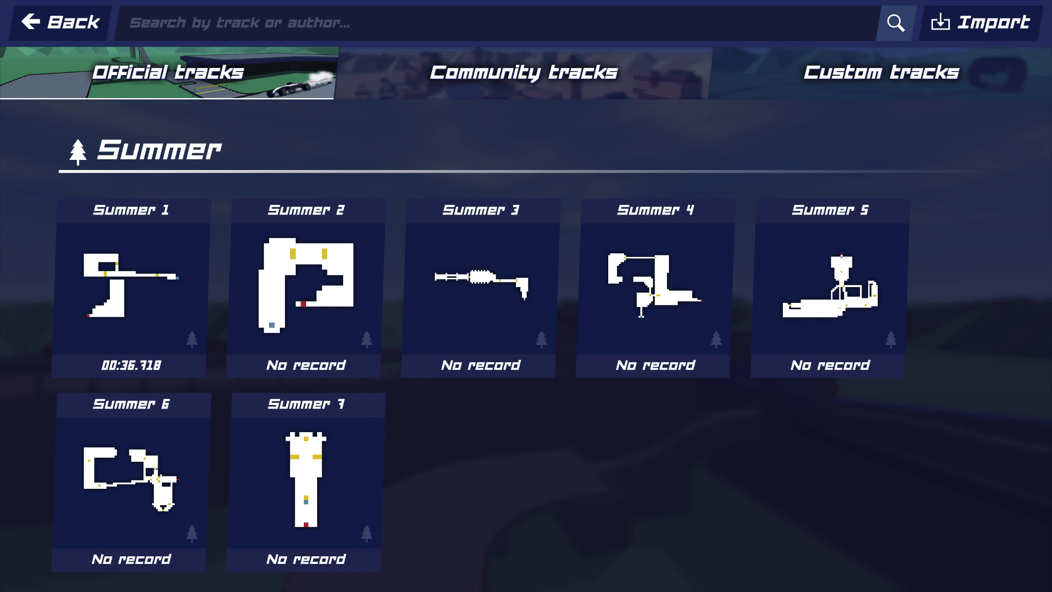
Grid Selection ➔ Road Module Snapping ➔ Banked Angles ➔ Checkpoint Validation ➔ Export Code1. Essential Editor Shortcuts
| Function | Shortcut | Usage Description |
|---|---|---|
| Place Module | Left Click | Stamps the active piece onto the terrain grid |
| Delete Module | Right Click | Removes highlighted track tile |
| Rotate Piece | R / Wheel | Rotates pieces in 45 or 90 degree increments |
| Raise / Lower Elevation | Q / E | Adjusts piece vertical height levels |
| Test Drive | T / Enter | Drops car directly into editor for instant test driving |
Review our Beginner Racing & Controls guide for standard driving keys during test runs.
2. Crafting Smooth Banked Curves & Loops
- Elevation Ramps: Start incline ramps at least 2 tiles before entering a vertical loop so the vehicle carries sufficient momentum.
- Banked Turns: Angle sharp turns inward to counteract centrifugal drift force.
- Landing Zones: Build wide, double-width flat run-off strips after long jumps to account for driver trajectory variance. Check Drifting and Advanced Physics for landing physics.
3. Checkpoint Validation Rules
Before a track code can be published or raced competitively:
- The track must have exactly one Start Grid and one Finish Line.
- Checkpoints must be ordered sequentially.
- You must complete one clean, unassisted test lap from Start to Finish to validate that the circuit is physically playable.
4. Exporting and Sharing Your Track Code
Once validated:
- Click the Export Track button on the top right panel.
- The track data string will copy directly to your clipboard.
- Share your string or explore trending circuits created by other builders in Popular Custom Track Codes.
- Check out high-speed route optimization in Shortcuts and Speedrun Tips.
関連記事
items
Polytrack Track Builder Items: Modules, Loops & Checkpoints
Comprehensive catalog of modular road pieces, loop-de-loops, boost pads, and jump ramps in the Polytrack Track Editor.
guides
Polytrack Scenery & Lighting Editor Guide: Crafting Beautiful Tracks
Master aesthetic track design in the Polytrack Track Editor. Low-poly terrain sculpting, sunlight direction, color palettes, and prop placement.
guides
Polytrack Beginner Racing Guide: Controls, Respawning & Ghost Cars
Master essential racing controls, checkpoint respawning, camera angles, and ghost car replays in Polytrack.
役に立ちましたか?
ありがとうございます!